
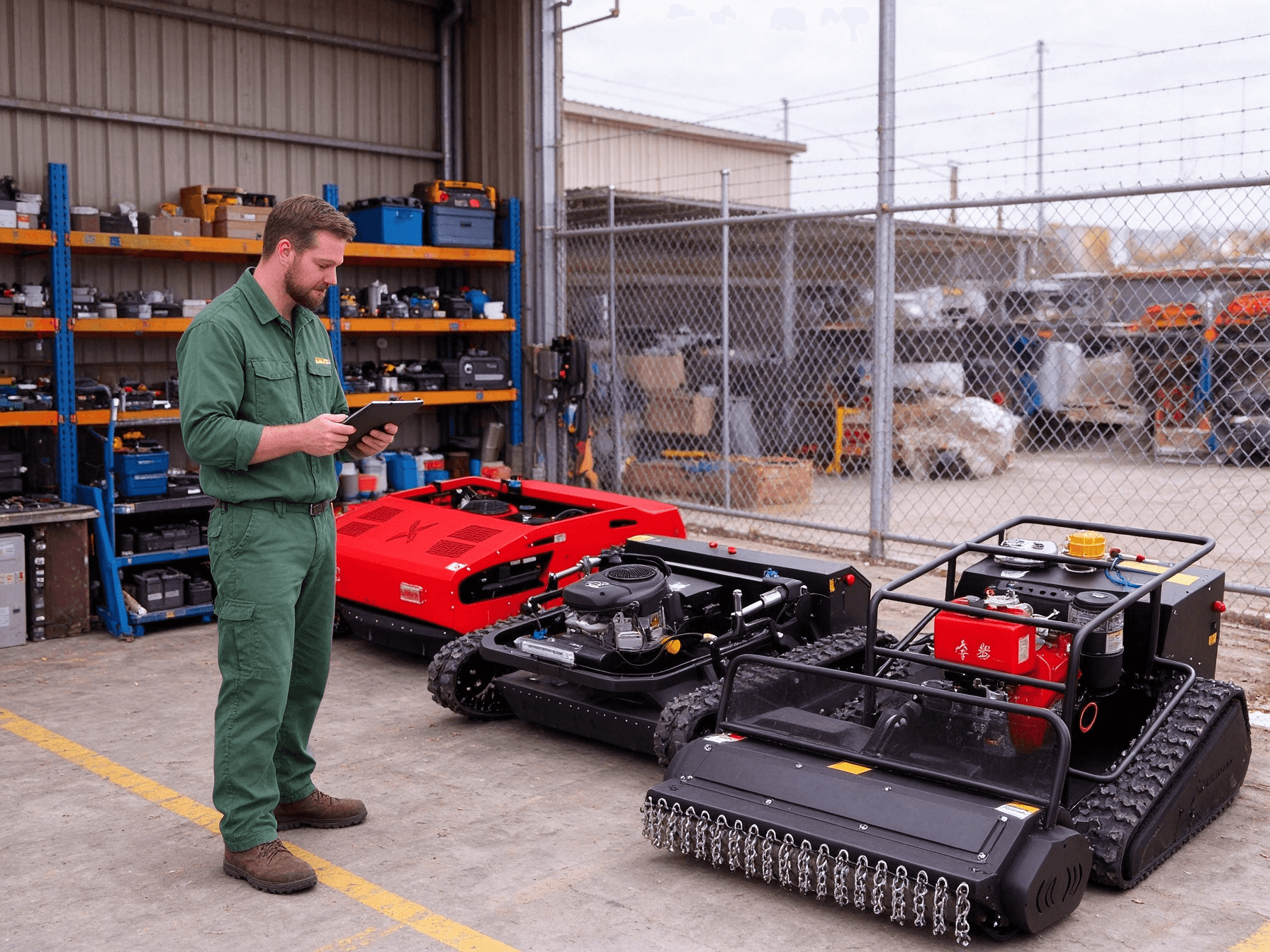
Map stock and warehouse space by exact configuration
A dealer should plan storage before treating an incoming remote mower order as ready for sale. List each intended model and configuration, the number of units expected, their packaging state and the time they may remain in stock. Ask for confirmed packed and unpacked dimensions and handling information for the actual units. Draw the route from receiving to the proposed position and from that position to dispatch or inspection. This reveals narrow doors, turning constraints and blocked access without assuming that a picture of one mower represents every variant. Keep customer machines and sale stock distinguishable in the plan.
Use the public product range to identify categories for an initial layout, then replace estimates with model-specific information before assigning space. Include separately packed attachments or accessories only when their packing arrangement is confirmed. The warehouse owner should review the storage location, access equipment and local procedures. A stock plan is not an instruction to lift, stack or move a particular machine. If the site cannot accommodate a confirmed dimension or a safe route under its own procedures, mark that configuration as unresolved rather than squeezing it into a generic slot.
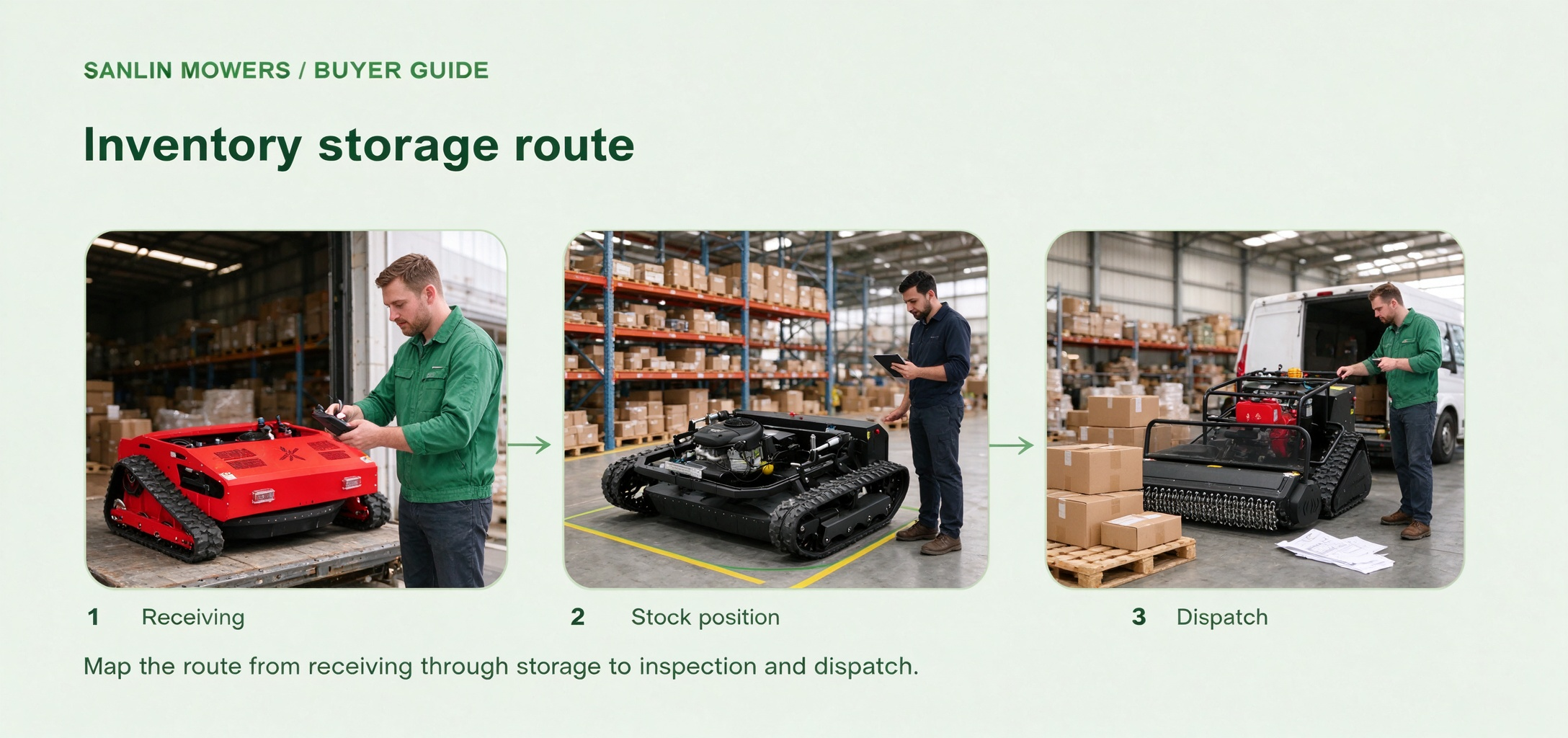
Map the route from receiving through storage to inspection and dispatch.
Request the correct storage and preservation instructions
Storage care depends on the exact mower and its supplied components. Ask for the operating and storage instructions that apply to the selected configuration, including any separate documentation for a power system, controller or attachment. Record who will review those documents and who can perform any required action. Do not transfer a fuel, battery or maintenance instruction from another model merely because both are remote-controlled mowers. The buyer's task is to identify the necessary information and qualified responsibility, not to invent a universal procedure or claim a storage interval that has not been confirmed.
The guide to choosing a remote-control tracked mower helps buyers distinguish terrain, vegetation and operating needs when selecting a machine. Add the planned storage period and warehouse environment to the dealer's later operational review. Document conditions the site can actually maintain, then compare them with the relevant instructions. If the documentation is unavailable, ask the supplier a precise question and hold the care plan open. Avoid promising that a machine will remain sale-ready after an unspecified period. Its condition must be assessed against the applicable instructions and the dealer's inspection process when it leaves stock.
Keep stock identity and condition traceable
Create a controlled record for each unit that links its model and configuration to the receiving date, storage location, documents received and observed condition at intake. Record any missing item or visible damage as an observation, without diagnosing a hidden fault. Keep private identifiers and customer information inside the dealer's authorized inventory system. If a machine is moved, update the location and the person responsible for the move. A practical record lets the sales and service teams find the exact unit and its matching documents without relying on a shelf label that may be changed or removed.
Set review points appropriate to the documented care requirements and the dealer's own procedures. The record should show the date, what was checked, any action taken by an authorized person and any open question. Do not turn a blank checklist into evidence that a machine was maintained. If packaging has been opened for display or a demonstration, note that change and keep the unit's status clear. This helps the dealer separate unused stock, display stock and a machine awaiting inspection. It also prevents an old photograph or a generic model description from being used as a current condition report.
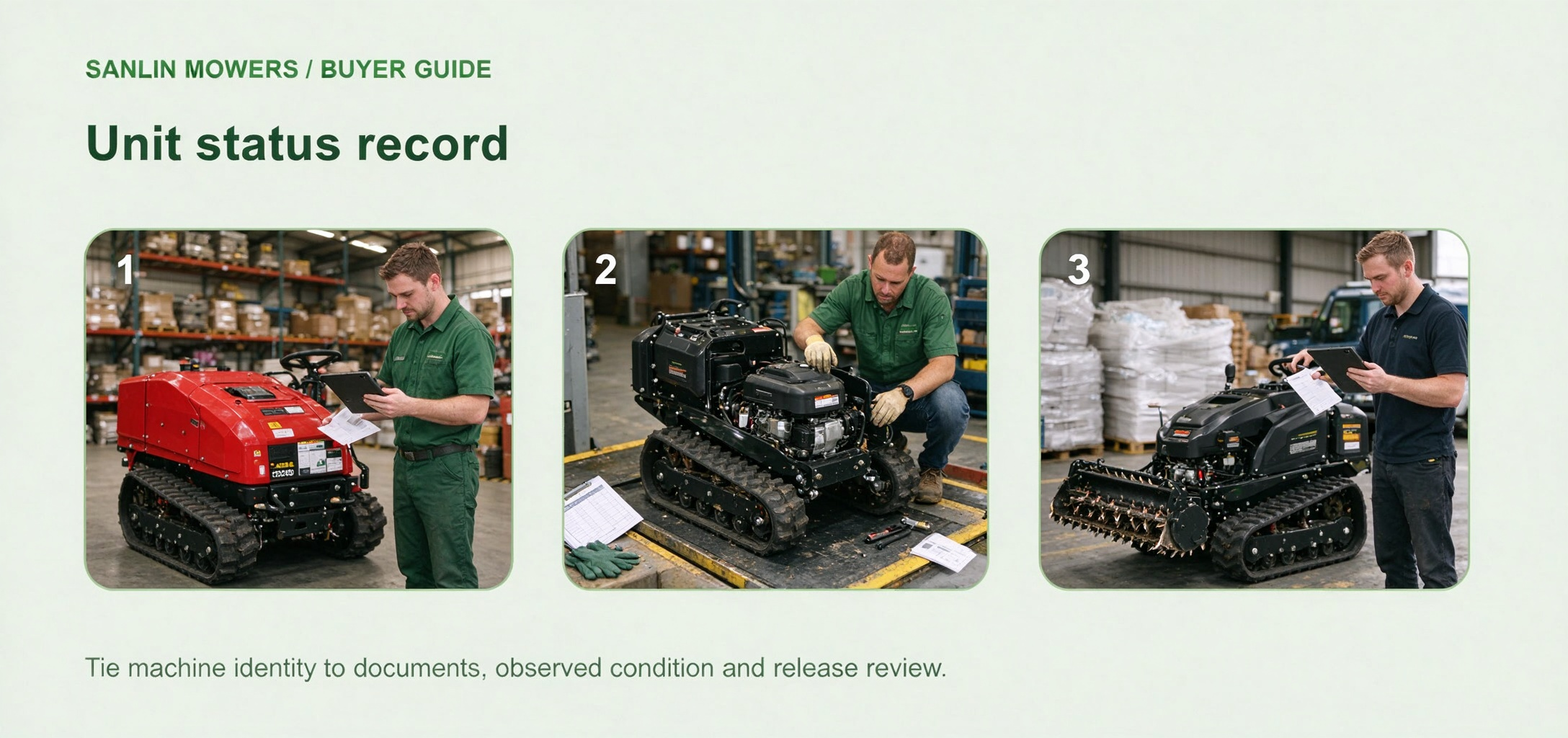
Tie machine identity to documents, observed condition and release review.
Review release readiness before a customer handover
Before assigning a stored unit to an order, verify the exact configuration requested and reconcile the inventory record with the physical unit, accessories and documentation. Ask a qualified person to perform the checks required by the model's instructions and the dealer's process. Review whether any storage or display history changes what needs inspection. Confirm which documents and training information will accompany the machine, but do not assume a particular warranty, service package or delivery promise. Any unresolved condition should remain visible to the commercial team before it commits to a handover date.
The final decision is narrower than saying that all warehouse stock is ready to ship. Identify the unit that passed the applicable review, the evidence behind that decision and the person who approved its release. If the configuration, condition or destination changes, reopen the affected checks. A dealer can then use the same record to answer a customer question accurately and to keep a later service request tied to the right machine. This storage workflow is a procurement and inventory planning framework; the exact handling and maintenance steps still come from current model documentation and responsible local personnel.
Next step for your project
Planning dealer inventory for remote mowers? Share the proposed model mix, storage period, warehouse conditions and document questions so the exact configuration and preservation requirements can be reviewed before a stock order.